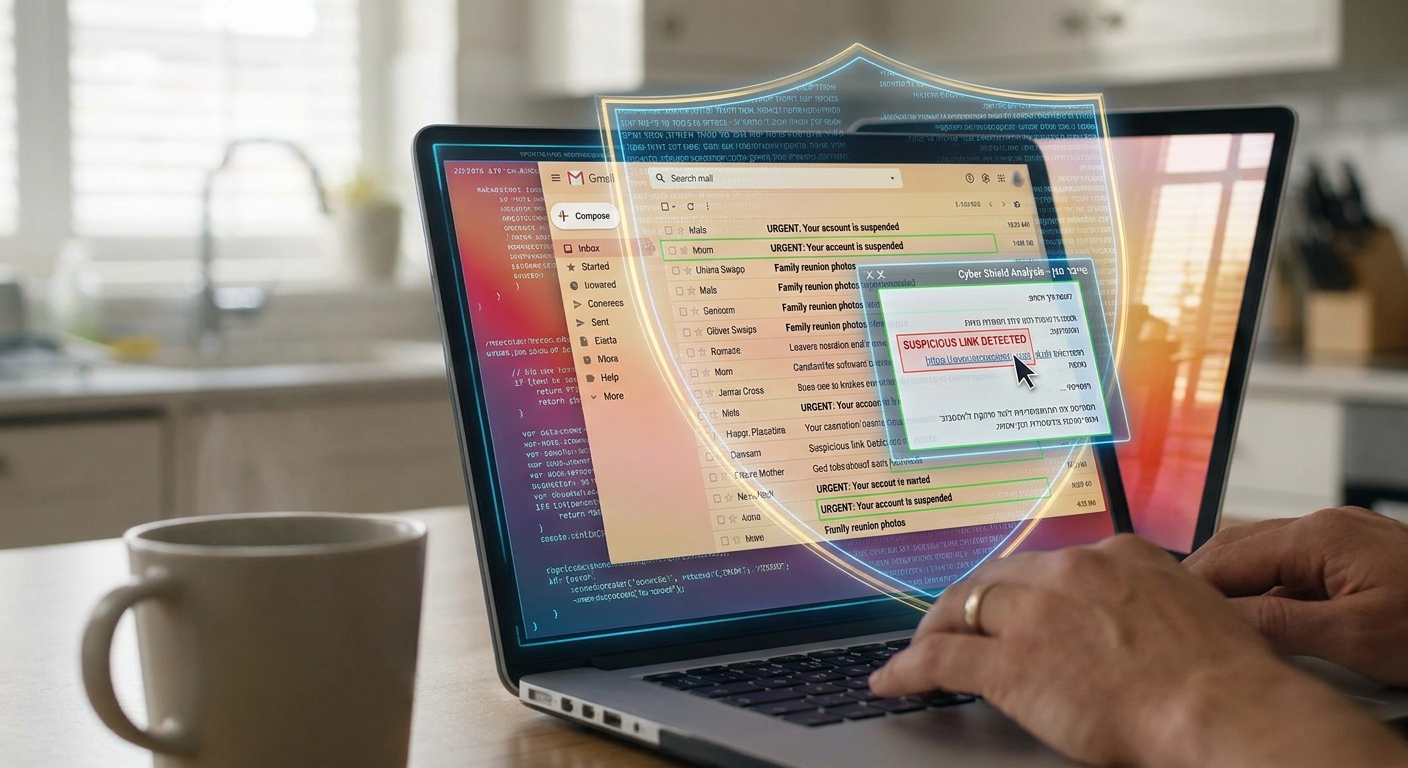
Your inbox is probably stressing you out more than you realize. One minute it is a package update, a bank alert, or a message from “Microsoft.” The next minute you have clicked a link that looks completely normal and handed your password to a scammer. That is the ugly part of modern phishing. It no longer looks sloppy. It looks polished, personal, and believable. And yes, that is frustrating, especially if you are already juggling work, family logins, and a phone full of alerts all day.
That is why Israeli email security AI phishing protection is getting so much attention right now. A wave of security companies from Tel Aviv and beyond is building what you can think of as an email bodyguard. These tools do more than shove junk into a spam folder. They study sender behavior, check links in real time, spot fake login pages, and flag the “perfect-looking” scam before you tap. For regular people and small businesses, that can mean one less disaster waiting in the inbox.
⚡ In a Hurry? Key Takeaways
- Israeli email security tools are using AI to catch phishing emails that basic spam filters often miss.
- If you run a family account, small business, or shared device, start with a tool that scans links and warns users before they enter passwords.
- No tool is magic, but a good “email bodyguard” adds a strong extra layer without forcing you to become your own IT department.
Why your inbox suddenly feels less safe
Phishing used to be easier to spot. Bad grammar. Weird formatting. Obvious fake logos. Those days are fading fast.
Scammers now use AI to write clean, convincing messages in plain English. They can copy the tone of your bank, your payroll service, your school, even your favorite online store. Some attacks are broad. Others are tailored just enough to catch you when you are tired, distracted, or in a rush.
The real problem is not just spam. It is impersonation. A message can look routine and still be dangerous.
What makes Israeli security firms stand out
Israel has a long track record in cybersecurity, and that matters here. Many startups in the country were built by people with deep experience in threat detection, network defense, and fast response systems. The result is a practical style of security. Less theory. More, “How do we stop the bad thing before it reaches the user?”
That mindset fits email perfectly. The best newer tools are not waiting for you to report a scam after the damage is done. They are checking for warning signs early, such as:
- Lookalike sender domains
- Freshly created websites hiding behind urgent messages
- Login pages that mimic Microsoft 365, Google, banks, or delivery companies
- Unusual language patterns and social engineering tricks
- Suspicious attachments or hidden redirect links
What an “AI email bodyguard” actually does
Think of it like a security guard standing between you and your inbox. Not every product works the same way, but strong options usually combine a few layers.
1. It checks who the email is really from
Some phishing messages come from spoofed addresses. Others come from real but compromised accounts. Good tools look past the display name and dig into domain reputation, authentication records, and sender behavior.
2. It inspects links before you click
This is one of the biggest upgrades over old-school spam filters. Modern protection can open and test a link in a safe environment, look for redirects, and compare the destination page to known scam patterns.
3. It spots behavior, not just bad keywords
Old filters often worked like a checklist. Certain words. Certain attachments. Certain blacklisted addresses. Today’s better systems use behavior clues too. Is the message pushing urgency? Is it asking for credentials? Is it pretending to be a trusted brand in a slightly odd way?
4. It warns the user in plain English
This matters more than vendors like to admit. If the alert is too technical, people ignore it. The best tools explain the risk simply. For example, “This link may lead to a fake Microsoft login page.” That kind of warning can stop a costly mistake in seconds.
Israeli tools worth knowing about
You do not need to memorize a giant product catalog. But a few Israeli names keep coming up in the phishing and email protection space.
Check Point Harmony Email & Collaboration
Check Point is one of the best-known Israeli security companies, and its email protection tools are built for business users who rely on Microsoft 365 and Google Workspace. Harmony Email & Collaboration focuses on phishing, account takeover attempts, malicious files, and harmful links shared through email and collaboration apps.
Why it stands out for non-experts: it is designed to work in the background and give admins clear warnings instead of endless raw data.
IRONSCALES
IRONSCALES is another Israeli company with a strong reputation in anti-phishing. It blends AI detection with automated response and user reporting. In simple terms, it helps catch suspicious emails and can pull similar threats from other inboxes before they spread across a company.
This is especially useful for small and mid-sized businesses that do not have a full security team sitting around all day.
Perception Point
Perception Point has made a name for itself in advanced threat detection across email, browsers, and cloud collaboration tools. Its focus is fast analysis of suspicious content, including phishing links and malicious attachments.
What regular users should care about is speed. The sooner a fake message is flagged or removed, the less likely someone is to click it first and ask questions later.
Who actually needs this kind of protection
Not just giant companies.
If you are in any of these groups, stronger email protection is worth a serious look:
- Families sharing devices or accounts
- Small businesses using Microsoft 365 or Google Workspace
- Freelancers handling invoices and client files
- Older adults who get targeted with account and delivery scams
- Anyone managing school, banking, shopping, and work from one phone
The common theme is simple. If one bad click would cause a huge mess, extra protection makes sense.
What to look for before you pay
Do not get dazzled by marketing words. Start with a few plain questions.
Does it work with your email service?
Most serious tools are built for Microsoft 365 and Google Workspace. If you use standard free email accounts at home, your choices may be more limited, so check compatibility first.
Does it protect links in real time?
This is a big one. A lot of scams are link-based. If the product mainly focuses on spam volume and attachments, that is not enough anymore.
Can it protect non-technical users?
You want simple alerts, not cryptic warnings. If your spouse, parent, or employee cannot understand the message, the tool loses half its value.
Does it offer fast response?
For businesses, one of the best features is automatic removal of the same phishing email from every inbox once it is detected. That can stop one mistake from turning into ten.
Free filters versus dedicated protection
Free email filtering is better than nothing. But “better than nothing” is not the same as “ready for AI-generated scams.”
Basic spam systems are still good at blocking obvious junk. They are less reliable when a message is carefully written, sent from a believable source, and designed to trick you into giving up login details.
Dedicated protection tools add deeper scanning, link analysis, impersonation checks, and response tools. For many people, that extra layer is where the real value is.
Three smart habits that still matter
Even the best software should work alongside common-sense habits.
Pause on urgent messages
If an email wants you to act now, that is your cue to slow down. Scammers love fake urgency.
Do not sign in through email links when possible
If your bank or service says there is a problem, open the app or type the official website yourself.
Turn on multi-factor authentication
If a password does get stolen, MFA can still save you. It is one of the simplest safety upgrades you can make.
At a Glance: Comparison
| Feature/Aspect | Details | Verdict |
|---|---|---|
| Basic free spam filtering | Good for obvious junk mail and known bad senders, weaker against polished phishing and fake login links. | Fine as a first layer, not enough by itself. |
| Israeli AI email protection tools | Use behavioral analysis, sender checks, link scanning, and fast threat response for Microsoft 365 and Google Workspace users. | Best fit for small businesses and higher-risk users. |
| User-friendly safety features | Plain-language warnings, suspicious link alerts, and organization-wide email removal reduce mistakes from tired or busy users. | A major plus, especially for families and non-technical teams. |
Conclusion
Your inbox is no longer just where messages arrive. It is where a lot of scams now start. Phishing and AI-generated attacks have grown fast, and many people are still relying on free filters that were never built for this level of trickery. That is why Israeli email security AI phishing protection is worth watching. Tools from companies like Check Point, IRONSCALES, and Perception Point are trying to bring serious protection into everyday use without making you feel like part-time tech support. If you are protecting a family account, a small business, or a shared device, adding a smarter email bodyguard could be one of the simplest ways to cut your risk. Start small, pick a tool that matches your email setup, and make sure it explains threats in plain English. That alone can save a lot of pain.